
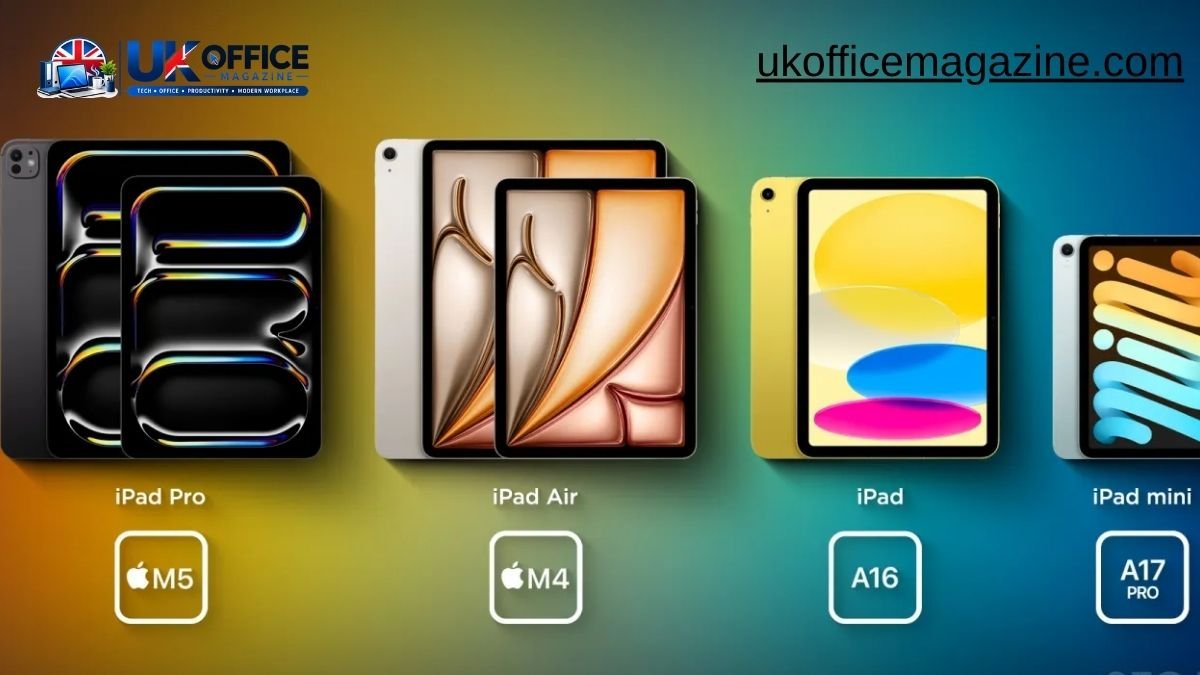
Which iPad Is Right for You: Walk into any Apple Store in 2026 and you’ll find four different iPads sitting on the same table, each one claiming to be the tablet you need. That’s not an accident — Apple genuinely builds each model for a different kind of person. The trouble is figuring out which one is you.
This guide breaks down the current iPad lineup — iPad, iPad Air, iPad Pro, and iPad mini — in plain English. No jargon, no upselling, just a clear look at who each model actually fits, based on Apple’s own positioning, current specs, and real-world use.
iPad
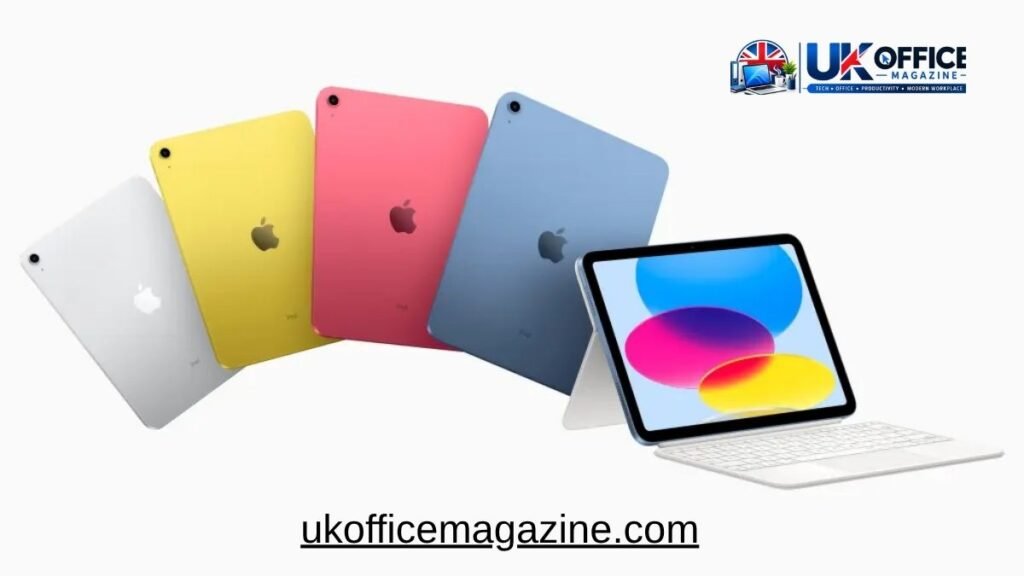
The standard iPad (11th generation) is the entry point into Apple’s tablet lineup, and for most casual users, it’s genuinely all they need.
Priced from $349, this is the model Apple points to when someone just wants a device for browsing, streaming, email, and video calls. It runs on the A16 chip, comes with 128GB of base storage, and uses USB-C for charging — a meaningful upgrade from older Lightning-based models.
Who the base iPad is for
- First-time tablet buyers who don’t want to overspend
- Parents buying a device for kids or a shared family tablet
- Students who need something for note-taking, reading, and light schoolwork
- Anyone who mainly uses a tablet for Netflix, social media, and web browsing
What it doesn’t do as well
The base iPad supports the standard Apple Pencil (USB-C) but not the Pencil Pro, so if hover features or Apple Pencil’s advanced gestures matter to you, this isn’t the model. It also lacks support for the more demanding Apple Intelligence features found on higher-end chips, though that gap is expected to close as future updates roll out.
Bottom line: if budget is your main concern and you don’t need pro-level performance, the standard iPad remains the smartest starting point in the lineup.
iPad Air
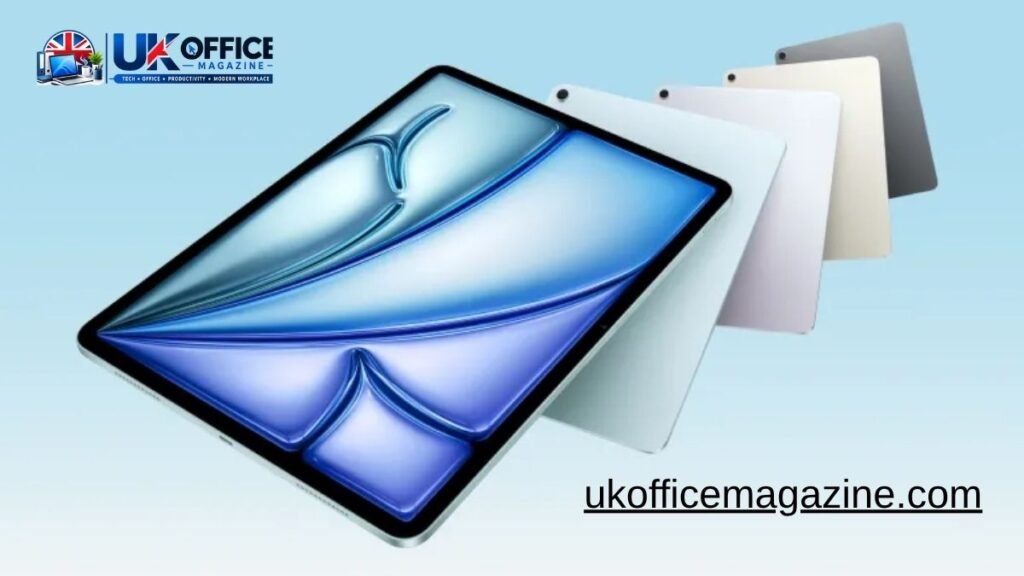
The iPad Air is Apple’s “sweet spot” tablet — genuinely powerful, but priced well below the Pro.
Now running on the M4 chip and available in both 11-inch and 13-inch sizes, the iPad Air closes most of the performance gap with the iPad Pro while staying meaningfully cheaper. It supports the Apple Pencil Pro, works with the Magic Keyboard, and handles everything from Photoshop-style editing to multitasking with ease.
Following Apple’s price adjustment in mid-2026, the 13-inch iPad Air now starts around $949, while the 11-inch model remains the more affordable option in the Air line.
Who the iPad Air is for
- Students who want serious performance without Pro-level pricing
- Freelancers, designers, and creators doing light-to-moderate creative work
- Anyone who wants a keyboard-and-Pencil setup that can realistically replace a laptop for daily tasks
- People upgrading from an older iPad who want a noticeable jump in speed and screen size options
iPad Air vs iPad: the real difference
| Feature | iPad (11th gen) | iPad Air (M4) |
| Starting price | $349 | ~$699–$949 |
| Chip | A16 | M4 |
| Screen sizes | 11-inch | 11-inch & 13-inch |
| Pencil support | USB-C Pencil | Apple Pencil Pro |
| Keyboard support | Basic Magic Keyboard Folio | Full Magic Keyboard |
| Best for | Casual use | Near-Pro performance on a budget |
Bottom line: the iPad Air is consistently the model most reviewers and everyday buyers recommend, because it offers Pro-adjacent capability without Pro-level cost.
iPad Pro
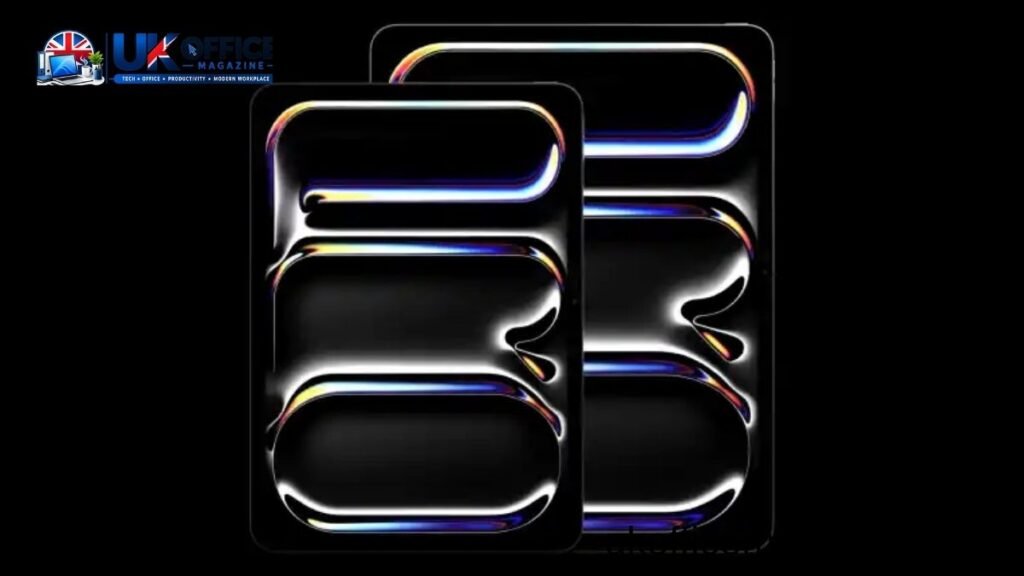
The iPad Pro is built for people who push their devices hard — professionals, artists, editors, and anyone who treats a tablet as a genuine production tool rather than a consumption device.
It’s the only iPad with a tandem OLED display, offering deeper blacks, higher brightness, and better contrast than the standard Liquid Retina panels used elsewhere in the lineup. Paired with Apple’s most advanced silicon and support for the full Pencil Pro and Magic Keyboard ecosystem, it’s designed to handle 4K video editing, complex 3D work, and heavy multitasking without breaking a sweat.
Who the iPad Pro is for
- Video editors, photographers, and digital artists who need color-accurate OLED displays
- Professionals running demanding apps like Final Cut Pro or Logic Pro on iPad
- Power users who want the thinnest, fastest iPad available, regardless of price
- Anyone who wants their iPad to genuinely replace a laptop for professional work
Where the Pro doesn’t make sense
If your daily tasks are email, browsing, and streaming video, the Pro is significant overkill. Most reviewers agree: unless you have a specific professional workflow that needs the extra horsepower and display quality, the iPad Air delivers 90% of the experience for considerably less money.
Bottom line: the iPad Pro is the best iPad Apple makes — but “best” and “right for you” aren’t always the same thing.
iPad mini

The iPad mini exists for one clear reason: portability. At 8.3 inches, it’s small enough to fit in a jacket pocket or a small bag, yet powerful enough (thanks to the A17 Pro chip) to handle Apple Intelligence features and everyday multitasking without lag.
It’s a favorite among a specific but loyal group of users, and it fills a niche none of the other iPads really touch.
Who the iPad mini is for
- Frequent travelers who want a full iPad experience in a compact form
- Digital note-takers who prefer a smaller, more notebook-like surface
- Medical professionals and field workers who need a durable, pocketable device
- Gamers who want a handheld-style screen with genuine app-store depth
A quick note on timing
The iPad mini is currently the oldest model in Apple’s lineup, and multiple reports point toward a refreshed version — possibly with an OLED display — arriving later in 2026. If portability is your priority but you’re not in a rush, it may be worth waiting for the next generation before buying.
Bottom line: nothing else in Apple’s range matches the mini’s blend of size and capability, making it the default pick for anyone who values portability above all else.
Quick Comparison Table: Every iPad at a Glance
| Model | Starting Price | Chip | Screen Size | Best For |
| iPad | $349 | A16 | 11-inch | Casual use, families, students on a budget |
| iPad mini | ~$499 | A17 Pro | 8.3-inch | Portability, note-taking, travel |
| iPad Air | ~$699+ | M4 | 11-inch / 13-inch | Best all-round value, near-Pro performance |
| iPad Pro | ~$999+ | M-series (top tier) | 11-inch / 13-inch OLED | Professionals, creatives, power users |
Top comment by MaxM
“I went back and forth between the Air and the Pro for weeks. Ended up with the 11-inch Air and honestly don’t regret it at all. Unless you’re doing serious video editing or need the OLED screen for color work, the Air handles everything I throw at it — Procreate, Notability, even light Lightroom edits — without a hint of slowdown. Saved myself $300+ and I don’t miss the Pro one bit. My advice: don’t buy more iPad than your actual workflow needs.”
MaxM’s take echoes what most independent reviewers land on too: the iPad Air is the model that satisfies the widest range of users, while the Pro is a deliberate choice for people with specific, demanding workflows.
Frequently Asked Questions
Which iPad is best for students?
The iPad Air offers the best mix of performance, screen size, and Apple Pencil Pro support for most students, though the base iPad works fine for lighter academic use.
Do I need an iPad Pro for note-taking?
No. The iPad, iPad Air, and iPad mini all support a version of Apple Pencil and handle note-taking apps comfortably; the Pro’s extra power is unnecessary for this task.
Is the iPad mini worth buying in 2026?
It’s still a solid choice for portability, but since a refreshed version is rumored for later this year, buyers who can wait may want to hold off.
What’s the main difference between iPad Air and iPad Pro?
The Pro adds a tandem OLED display, faster chip performance, and better multitasking headroom, aimed at professional creative and technical workflows.
Which iPad has the best battery life?
All current iPad models offer roughly 10 hours of battery life under typical use, so battery life alone shouldn’t be a deciding factor.
Final Thoughts
There isn’t a single “best” iPad — only the best one for how you actually plan to use it. If you want value, the base iPad still delivers. If you want the smartest all-round buy, the iPad Air is where most people land. If your work demands top-tier performance and display quality, the Pro earns its price tag. And if portability is non-negotiable, the mini remains unmatched.
Match the model to your workflow, not the marketing, and you’ll end up with an iPad that actually fits your life.
Big, Big, Big Final Disclaimer
Apple’s iPad lineup, pricing, and specifications are subject to change at any time, and the company frequently updates individual models on staggered schedules rather than all at once. Prices referenced in this article reflect figures reported around mid-2026 and may have shifted due to regional taxes, promotions, storage upgrades, cellular add-ons, or further price adjustments from Apple. Always check Apple’s official website or an authorized retailer for current pricing, availability, and full technical specifications before making a purchase decision. This article is intended as general guidance only and does not constitute a guarantee of product features, release timing, or pricing accuracy.

2 thoughts on “Which iPad Is Right for You? Here’s What Apple Has to Say”